01
Live counting
Watch notes accumulate in a typeface sized for the room. Track notes per second, peak intensity, and elapsed time while you play — then open Focus for a counter that fills the screen.
Peak Notes
A quiet studio for the browser — built for pianists who practice with intention and leave with a take worth keeping.
Watch
A quick look at counting notes, using MIDI to create falling note visualizations with See Music, and utilizing the mp4 note video exporting feature.
The craft
Essentially you can track takes and track notes and its pretty interesting.

For the instrument
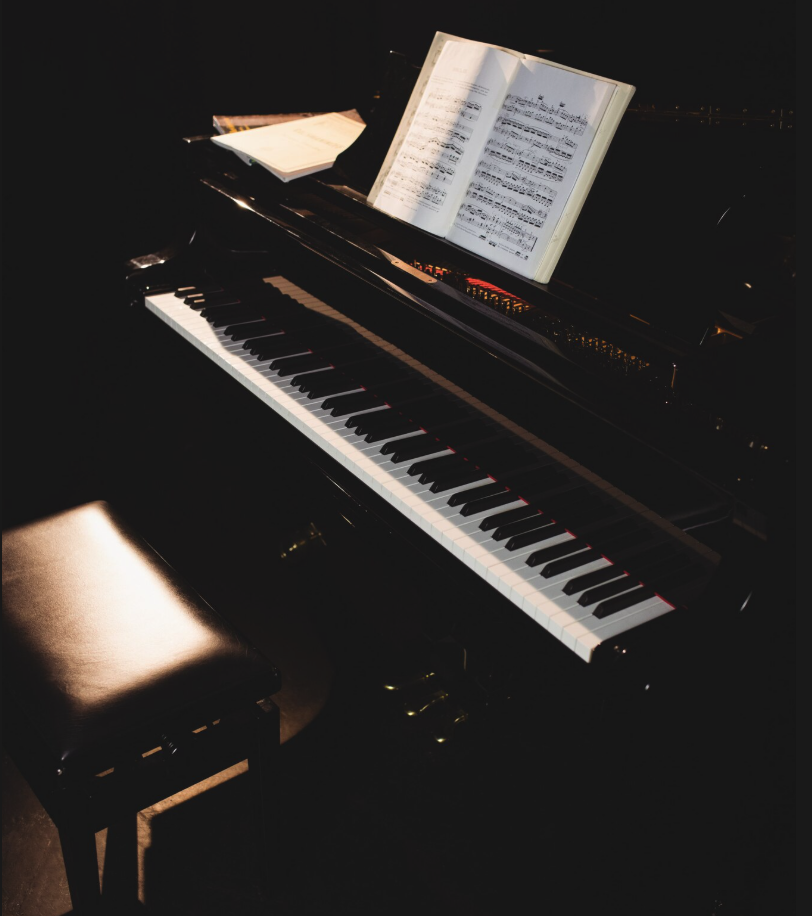
Plug in a digital piano — Yamaha and friends welcome — and Peak Notes listens over Web MIDI. Sustain pedal holds the room. Velocity keeps the touch. Your computer keyboard waits politely until you invite it in.
Touch
Click any key to begin
Features
Watch notes accumulate in a typeface sized for the room. Track notes per second, peak intensity, and elapsed time while you play — then open Focus for a counter that fills the screen.
Export SMF Format 1 at 480 PPQN — the kind of file Synthesia, DAWs, and notation tools expect. Leading silence trimmed. Held notes closed cleanly. Your take, portable.
Render a 1080p, 60 fps counter video that advances on every note-on. Pauses stay frozen. Style the type. Download an MP4 for YouTube videos or reels.
Save sessions locally with optional names and notes. Revisit peak NPS, duration, and voice. Clear anytime. Nothing leaves your browser unless you export it.
“Discipline is quiet. Peak Notes simply makes the quiet count.”
Begin
Chrome or Edge for MIDI. Any modern browser for the keyboard. Headphones recommended. Ambition optional — but welcome.
Open Peak Notes